



6 Best Product Personalization Shopify Apps in 2026
If you sell personalized products on Shopify, these product personalization Shopify apps help customers design products live, preview before checkout, and place accurate custom orders without back-and-forth emails.
 Tavishi
Blog article content
DesignNBuy, Kickflip, Customily, Zepto Product Personalizer, Globo Product Options, and Easify Product Options are some of the best product personalization Shopify apps available right now. If your Shopify store sells custom products, these apps are no longer optional. Customers today expect to see exactly what they are buying before they check out. They want to add their name, upload an image, choose colors, or arrange design elements and see the final product in real time.
Shopify does not provide the tools needed to handle this level of customization on its own. Its default setup limits stores to 100 product variants and three option types per product. For stores selling personalized products, this limitation quickly becomes a problem. This is why most custom product stores rely on dedicated product personalization apps.
This blog covers the six best product personalization Shopify apps in 2026. Each app listed here is a true personalization tool, not just a product options manager. Whether you run a print shop, a print on demand store, or a custom merchandise brand, you will find a suitable option in this list.
Quick Comparison: Product Personalization Shopify Apps at a Glance
App | Best For | Free Trial | Free Plan | Starting Price |
DesignNBuy | Print businesses needing full web-to-print and production workflow | Free demo | No | Custom pricing |
Zepto Product Personalizer | Live preview with conditional logic and dynamic pricing | No | No | $9.99/month |
Teeinblue | POD stores with direct fulfillment integration | No | Yes | Free to ~$159/month |
Customily | POD businesses needing automated print-ready files | No | No | $49/month + fees |
Kickflip | Visual product customization with multi-component live preview | Yes (free plan) | Yes | Free plan available |
Inkybay | Print shops needing live design with print-ready vector file output | Yes (21 days) | No | $19.99/month |
DesignNBuy
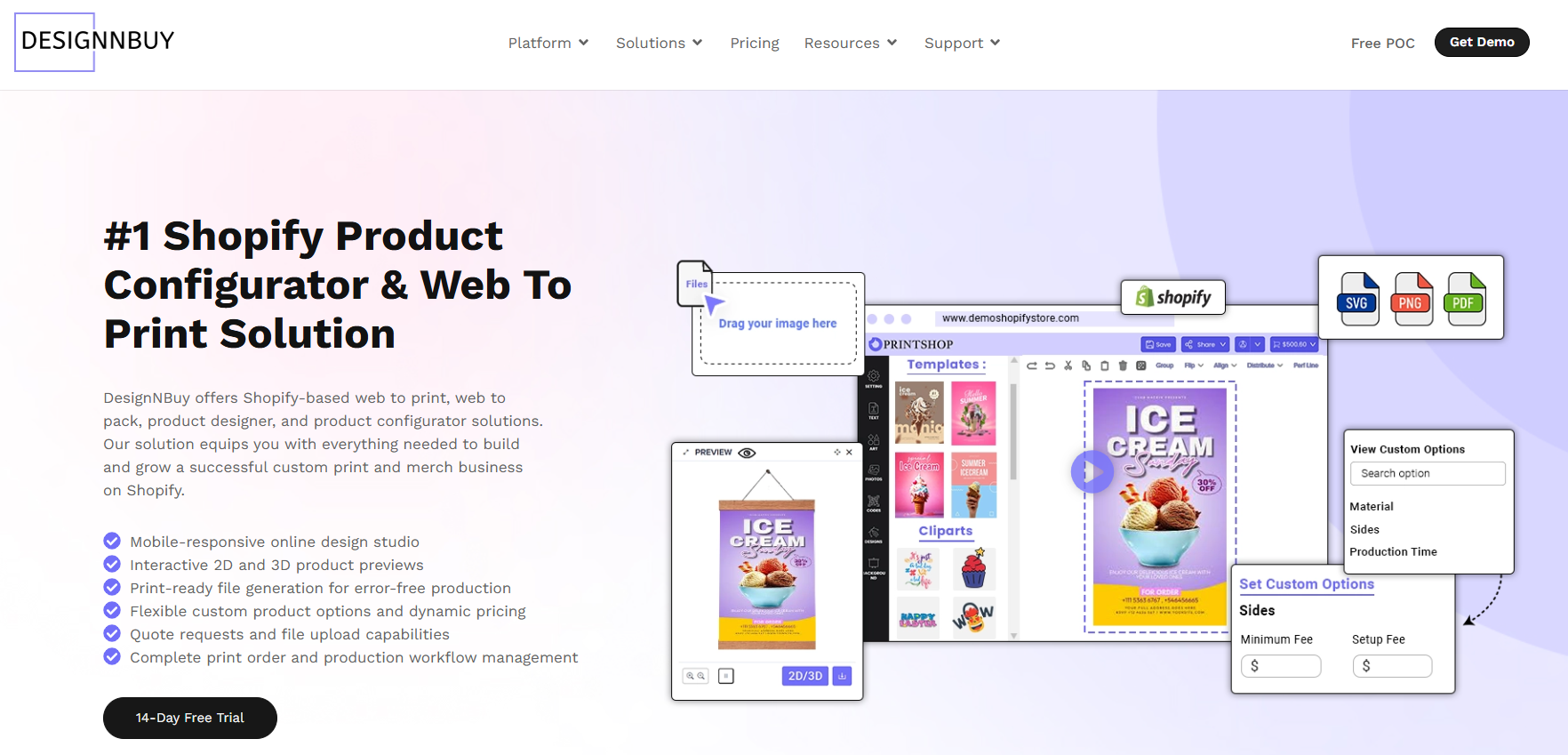 DesignNBuy leads our list of product personalization Shopify apps and is the most complete option for print businesses. Through its Shopify app DesignO, it gives customers a full design experience, including live 3D previews, AI-powered tools, editable design templates, and support for text, images, maps, and clipart. What sets DesignNBuy apart from every other app on this list is what happens after the customer places their order.
Most Shopify personalization apps stop at the customer-facing design layer. DesignNBuy connects the customer’s design session to a full production workflow. That includes print-ready file generation with CMYK support, cut marks, and bleeds, track production jobs, ensuring print accuracy, and smart print pricing. For print businesses managing their own production, this is a significant advantage that no other app on this list provides.
DesignNBuy recently released a major update to its Shopify app, adding shareable design links, white-label branding controls, improved collaboration tools, expanded 3D product previews, and greater pricing precision. You can read the full details in the DesignO 2.5 release announcement. For Shopify merchants managing complex custom product catalogs at scale, it is the most capable option available.
Key Features of DesignNBuy
Live 3D packaging previews that update in real time as customers make changes
AI-powered image and text tools, including AI filters and image resolution improvement
Support for four product types: Merchandise, Printing, Packaging, and Layered
Over 1,000 packaging models with ready-to-use dielines
Variable Data Printing (VDP) for batch personalized print file generation from a spreadsheet
Automated Enfocus preflight that checks and corrects files before they enter production
Print-ready file output with CMYK vs RGB, bleed, and cut marks
Barcode-based job tracking across prepress, print, and dispatch stages
Imposition software for arranging multiple jobs on a single press sheet
B2B web to print storefronts with brand restrictions, user roles, and account-level pricing
Connects with Shopify, WooCommerce, Magento, BigCommerce, and custom storefronts
White-label branding controls for agencies and resellers
Print approval workflow for customer collaboration on orders
DesignNBuy vs Other Shopify Personalization Apps
Feature | DesignNBuy | Other Apps on This List |
Customer-facing design tool | Yes, with 3D live preview | Yes (all apps) |
Print-ready file output | CMYK PDF/SVG with bleed and cut marks | Basic PNG/PDF or POD passthrough only |
Prepress / preflight automation | Yes, Enfocus-powered | Not available in any other app |
Production workflow | Built-in job tracking, barcode sheets, hot folder | Not available in any other app |
Packaging support | 1,000+ models with 3D dieline previews | Not available |
B2B portals | Yes, with brand controls and user roles | Not available |
Multi-platform support | Shopify, WooCommerce, Magento, BigCommerce | Shopify-focused |
Pricing | Custom pricing | Free to $49/month+ |
What Customer Says
I have learned a lot from this product, it is a really great system and it gives you a lot of choices to design every aspect at your liking, the service was always awesome, everyone I got to talk to were always very patient, even with the difficulties of comunication they were always available to resolve any doubt I had, even if I already asked before.
– Paola O. – Verified Capterra Review
Looking for a Shopify product personalization app that also manages your print workflow?
Zepto Product Personalizer
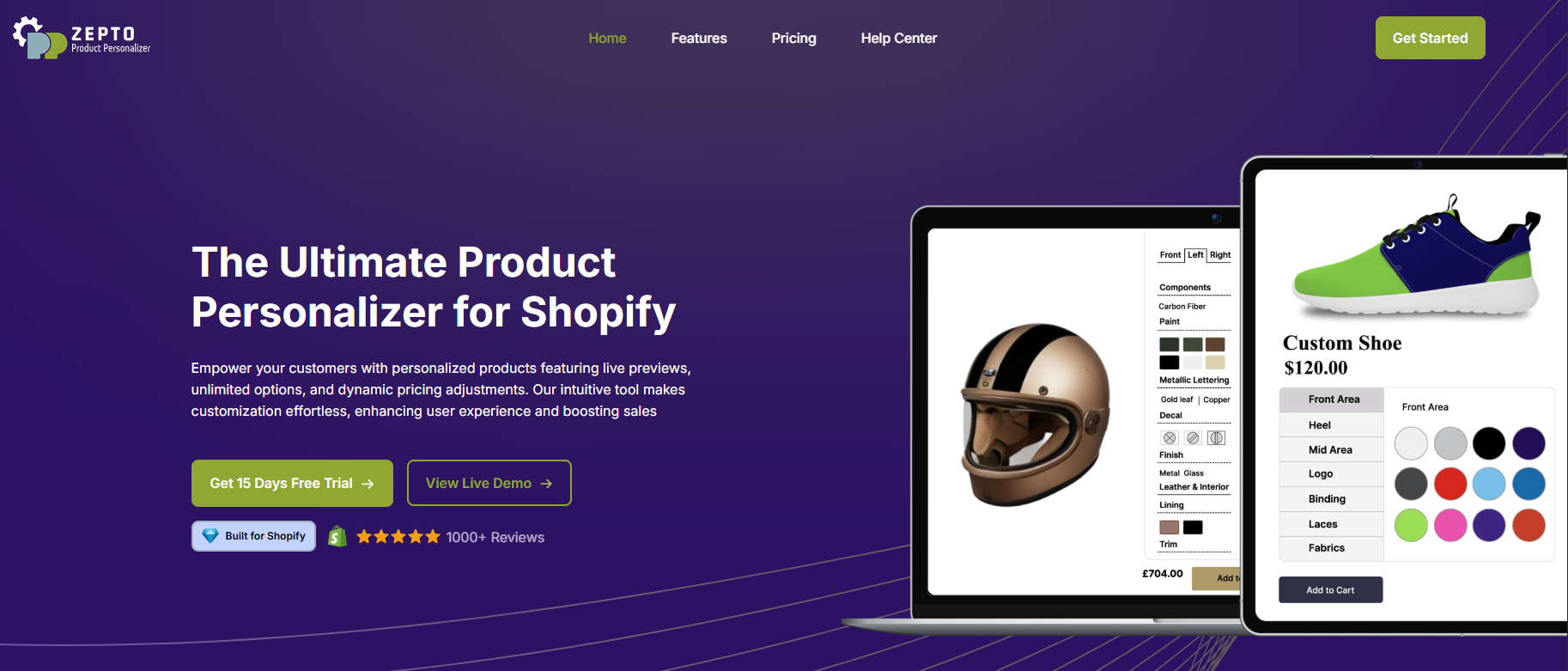
Among product personalization Shopify apps, Zepto Product Personalizer is one of the most well-regarded, built around a live preview experience that updates in real time as customers make their selections. It holds a 4.9 rating on the Shopify App Store with over 1,155 reviews.
Key Features of Zepto Product Personalizer
Live 2D product preview that updates instantly as customers type text, upload images, or choose colors
Conditional logic that shows or hides options based on what a customer has already selected
Dynamic pricing that updates the total cost automatically as selections are made
Supports text input, image uploads, color swatches, dropdowns, and monogram tools
Custom font selection for text-based personalization
Compatible with a wide range of product types including merchandise, gifts, and custom products
4.9 rating on the Shopify App Store with over 1,155 reviews
That said, Zepto does not include print production tools, preflight automation, or any backend production workflow. It is purely a customer-facing personalization tool. Therefore, businesses that need to manage their own print production after an order is placed will need to handle that outside of Zepto.
Zepto vs DesignNBuy
Feature | DesignNBuy | Zepto |
Live design preview | Yes, 3D and interactive | Yes, 2D live preview |
Conditional logic | Yes | Yes |
Dynamic pricing | Yes | Yes |
Text and image personalization | Yes | Yes |
Print-ready file output | CMYK with bleed and cut marks | Not available |
Prepress / preflight | Yes, automated | Not available |
Production workflow | Built-in job tracking | Not available |
Starting price | Custom pricing | $9.99/month |
What Customer Says
I have been using this app for a few weeks. I am still learning how to do certain things, but every time I have a question, the chat team is super helpful! They have even went as far as adjusting the app features on their end to make the product work better on my site. Highly recommend!
– The Day Away – Verified Shopify App Store Review
Need more than just front-end product personalization on Shopify?
Teeinblue Product Personalizer
Teeinblue is one of the product personalization Shopify apps built specifically for print-on-demand stores. Most importantly, it connects directly with global POD fulfillment providers including Printify, Printful, ShineOn, and Gelato. It holds a 4.9 rating on the Shopify App Store with over 300 reviews.
Key Features of Teeinblue
Live 2D product preview that updates as customers make personalization choices
Direct integration with Printify, Printful, ShineOn, Gelato, and other POD providers
Automatic order routing to the connected fulfillment partner once a customer places an order
Personalization inputs including text, photos, AI effects, vector tools, and face cutout features
Ready-to-use template library for faster product setup
Multi-language support for stores selling across different regions
Free plan available with paid plans that scale based on order volume and features required
That said, Teeinblue is built strictly for the POD fulfillment model. For instance, it does not support in-house print production and does not generate print-ready files with prepress settings for self-managed operations. Moreover, it does not include job tracking or a production workflow beyond routing orders to a POD provider.
Teeinblue vs DesignNBuy
Feature | DesignNBuy | Teeinblue |
Platform | Shopify and multi-platform | Shopify-native app |
POD integration | Yes, multiple providers | Yes, Printify, Printful, ShineOn, Gelato |
Live design preview | Yes, 3D and interactive | Yes, 2D live preview |
Print-ready files | CMYK PDF with bleed and cut marks | Passes artwork to POD provider |
Prepress / preflight | Automated Enfocus preflight | Not available |
Production workflow | Built-in job tracking and dispatch | Connects to POD fulfillment only |
Free plan | No (free demo available) | Yes |
Starting price | Custom pricing | Free to ~$159/month |
What Customer Says
Easy to use app, and it’s constantly being worked and improved upon – and most of all – their support is amazing! I had problems with Shopify orders integration once where they stayed online and walked me through to order Fulfillment. Thanks TIB for being a true partner!
– SKEW GEAR – Verified Shopify App Store Review
Running print-on-demand now but planning to manage your own print production?
Customily Product Personalizer
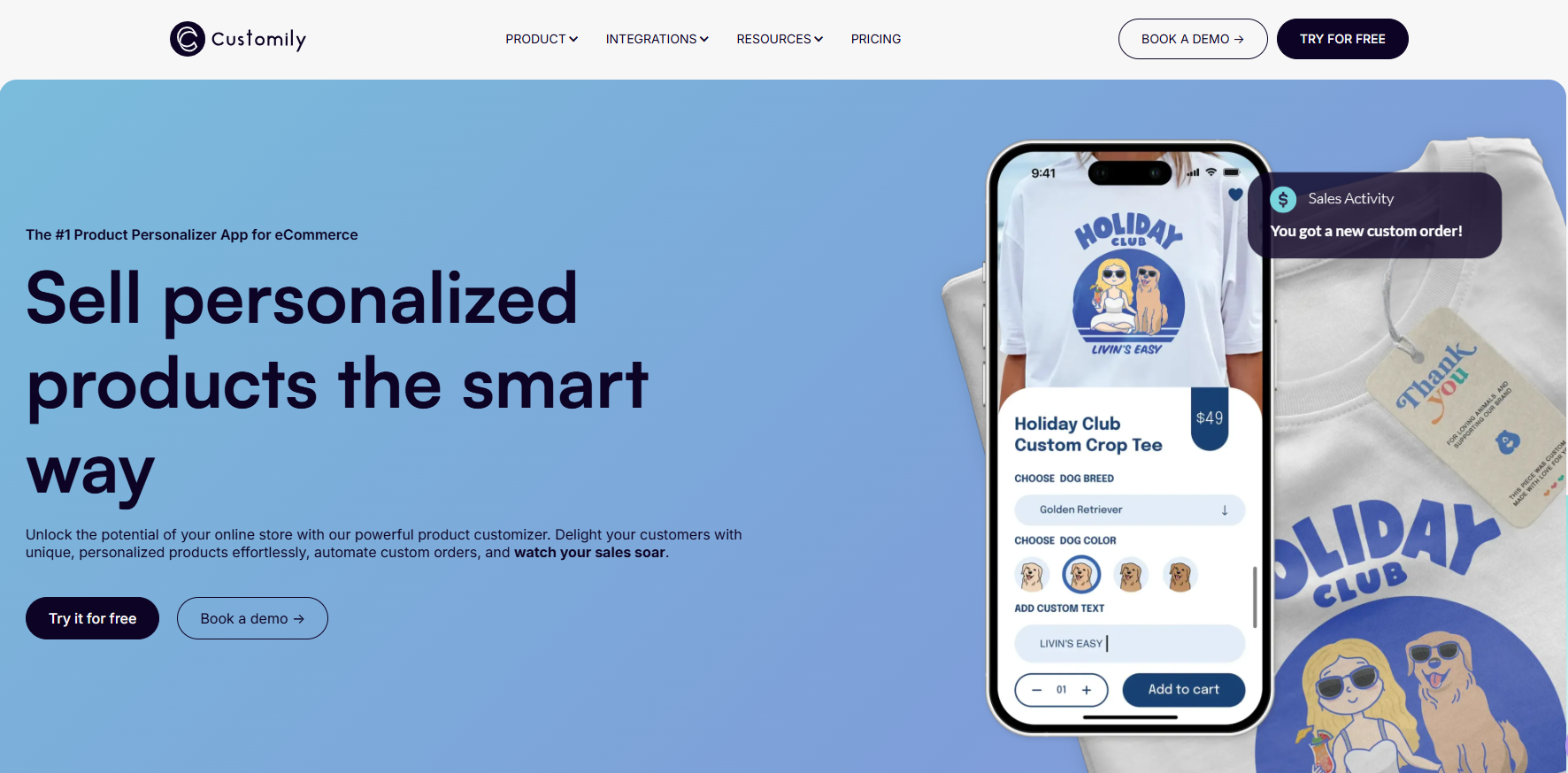
Customily is one of the product personalization Shopify apps designed with print-on-demand businesses in mind. It lets customers personalize products in real time and automatically generates print-ready files and routes them to connected POD providers without any manual steps. If you are weighing it against a full web-to-print platform, see our Customily vs DesignNBuy comparison.
Key Features of Customily
Real-time personalization using text, photos, street maps, star maps, calendars, and AI filters
Automatic print-ready file generation once a customer finalizes their design
Direct routing to connected POD fulfillment providers
Clipart and asset library for design elements
Supports a wide range of personalization input types in a single product
Removes the manual step of converting customer designs into production-ready artwork
Pricing starts at $49 per month with additional fees based on order volume
That said, Customily is well-suited specifically for POD businesses that need automated print file generation. For instance, it is not built for in-house print operations. Moreover, it does not include a production workflow, job tracking, or prepress tools beyond what the connected POD provider handles on their end.
Customily vs DesignNBuy
Feature | DesignNBuy | Customily |
Live design preview | Yes, 3D and interactive | Yes, real-time 2D preview |
Personalization types | Text, images, maps, AI, templates, clipart | Text, photos, maps, calendars, AI filters |
Print-ready file output | CMYK PDF with bleed and cut marks | Auto-generates files for POD providers |
Prepress / preflight | Automated Enfocus preflight | Not available |
Production workflow | Built-in job tracking and dispatch | Not available |
POD integration | Yes, multiple providers | Yes, multiple providers |
Free plan | No (free demo available) | No |
Starting price | Custom pricing | $49/month + variable fees |
What Customer Says
It’s been a pleasure to deal with the team at Customily from the very beginning. Extremely professional and responsive and they will do anything to make the app work all the time.
– starlightlabels – Verified Shopify App Store Review
Need automated print-ready files and a full production workflow in one system?
Kickflip
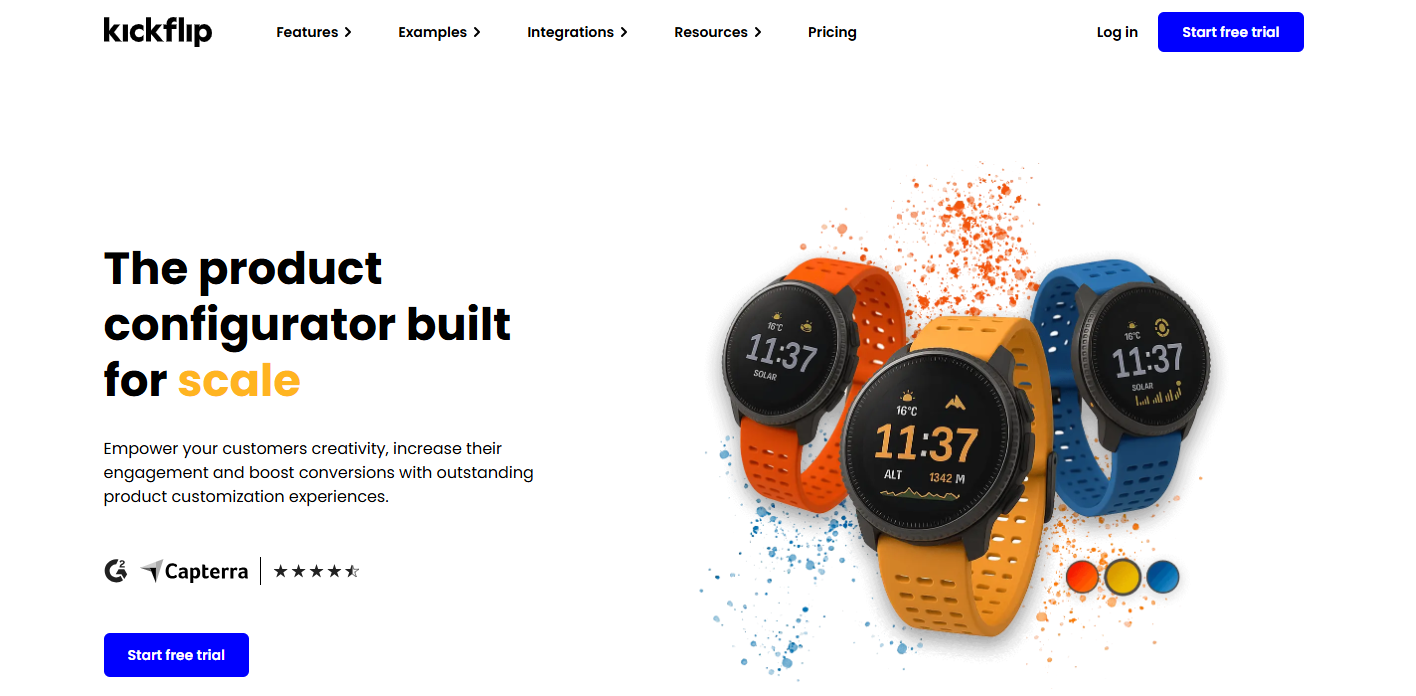
Kickflip stands out among product personalization Shopify apps for giving customers a rich, multi-component customization experience with a live preview that updates across multiple perspectives. It holds a 4.6 rating on the Shopify App Store with over 134 reviews.
Key Features of Kickflip
Multi-perspective live preview that updates in real time as customers make changes
Multi-component customization allowing customers to add, remove, or rearrange product components
Text, font, logo, and image placement across customizable product areas
Dynamic color changes across multiple areas of a product simultaneously
Dynamic pricing that updates the total cost in real time as selections are made
Print-ready file generation for products with text or image customization
Integrates with Shopify, WooCommerce, Wix, and other platforms via API
Free plan available
That said, some users have noted that the initial setup can involve a learning curve, particularly for complex products. Moreover, the pricing model was revised in recent years to a higher monthly subscription. As a result, Kickflip does not include prepress automation, production job tracking, or a backend workflow for in-house print operations.
Kickflip vs DesignNBuy
Feature | DesignNBuy | Kickflip |
Live design preview | Yes, 3D and interactive | Yes, multi-perspective live preview |
Multi-component customization | Yes | Yes |
Dynamic pricing | Yes | Yes |
Print-ready file output | CMYK PDF with bleed and cut marks | Yes, high-resolution print-ready files |
Prepress / preflight | Automated Enfocus preflight | Not available |
Production workflow | Built-in job tracking and dispatch | Not available |
Free plan | No (free demo available) | Yes |
Starting price | Custom pricing | Free plan available |
What Customer Says
It takes a while to understand how to use all the small features in Kickflip, especially if you have something super specific in mind. However, the customer service is incredible, and they are always willing to help.
– Comfort In Christ Blankets – Verified Shopify App Store Review
Want product personalization plus print production automation?
Inkybay Product Personalizer
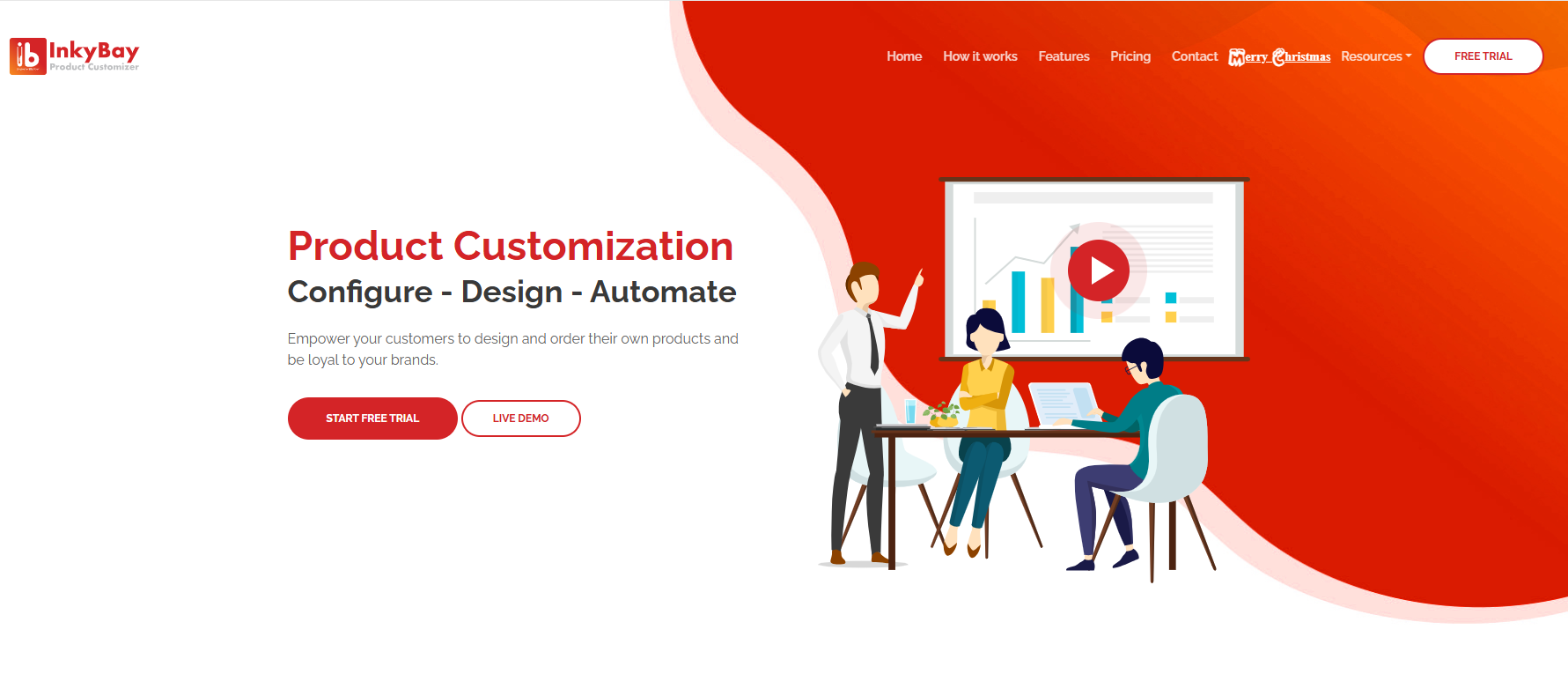
Inkybay is one of the product personalization Shopify apps built for print shops and custom apparel stores that need a live design experience alongside production-ready file output. It holds a 4.9 rating on the Shopify App Store with over 325 reviews, and pricing starts at $19.99 per month with a 21-day free trial.
Key Features of Inkybay
Live visual customizer where customers personalize products using text, custom fonts, clipart, uploaded images, and SVG files
Immediate print-ready vector file output in PDF, SVG, high-quality PNG, and JPG formats available from the backend after each order
Dynamic pricing based on design complexity, color count, size, and selected options including quantity discounts
Supports all major printing methods including DTF, screen print, DTG, sublimation, and embroidery
Color count and print area management for decoration-heavy products
21-day free trial available
Pricing starts at $19.99 per month
That said, Inkybay is well-suited specifically for print shops that need live customer personalization and immediate vector file output. However, it does not include an automated preflight system or production job tracking. Moreover, it does not offer imposition tools or a full backend workflow for managing jobs from order to dispatch.
Inkybay vs DesignNBuy
Feature | DesignNBuy | Inkybay |
Live design preview | Yes, 3D and interactive | Yes, live visual customizer |
Print-ready file output | CMYK PDF with bleed, cut marks, and color profiles | PDF, SVG, PNG, JPG vector files |
Printing method support | All major methods supported | DTF, screen print, DTG, sublimation, embroidery |
Dynamic pricing | Yes, with size, substrate, and quantity rules | Yes, based on color, size, and options |
Prepress / preflight | Automated Enfocus preflight | Not available |
Production workflow | Built-in job tracking, barcode sheets, dispatch | Not available |
Free trial | Free demo available | 21-day free trial |
Starting price | Custom pricing | $19.99/month |
What Customer Says
The app is very good, I’m sure I’m only using a small portion of it’s capabilities at the moment. The customer support team is very helpful.
– Custom Design Prints – Verified Shopify App Store Review
Need vector file output along with full production workflow automation?
How to Choose the Right Product Personalization Shopify Apps
Not every product personalization Shopify app on this list will suit every business. The right choice depends on what your store needs beyond the customer-facing design experience. Here are four questions to work through before you decide.
Do you manage your own print production?
If yes, you need more than a design widget. Specifically, automated preflight, print-ready file generation with the correct color profiles, and a system to track orders through production are all required. In fact, DesignNBuy is the only app on this list that covers all three. As a result, every other app on this list focuses on the front-end customer experience and does not extend into production management.Do you use a print-on-demand fulfillment partner?
If so, Teeinblue and Customily are built for this model. Furthermore, both connect directly with major POD providers and route orders automatically after a customer completes their personalization. Therefore, if your entire production is handled by a third party, either of these two will work well.Do you need a multi-component or visually complex customizer?
In that case, Kickflip is the strongest choice for products where customers need to add, remove, or rearrange components with a live visual update from multiple angles. Similarly, Zepto is strong for conditional logic and dynamic pricing on more standard personalization inputs. Meanwhile, Inkybay suits print shops that need a live design tool combined with immediate vector file output.What is your budget?
To begin with, Teeinblue and Kickflip offer free plans. In addition, Inkybay starts at $19.99 per month with a 21-day trial. Moreover, Zepto starts at $9.99 per month. On the other hand, Customily starts at $49 per month plus variable fees. Finally, DesignNBuy uses custom pricing based on your specific operation and requirements.
If you need… | Choose… |
Full web-to-print with production workflow and prepress automation | DesignNBuy |
Live preview with conditional logic and dynamic pricing | Zepto Product Personalizer |
POD personalization with direct fulfillment connections | Teeinblue or Customily |
Multi-component visual customization with print-ready files | Kickflip |
Live design tool with immediate vector file output for print shops | Inkybay |
Final Verdict
The best among product personalization Shopify apps in 2026 depends on how your business works after a customer completes their design. For instance, Zepto and Kickflip are strong for visual personalization on the customer side. Similarly, Teeinblue and Customily work well for POD fulfillment stores. Meanwhile, Inkybay suits print shops that need a live design tool with immediate vector file output.
However, for Shopify merchants who run print operations and need a single platform to cover the customer-facing design tool, print-ready file output, preflight automation, and a full production workflow, DesignNBuy stands apart from every other option on this list. In fact, it is the only app here built to manage the complete process from the customer’s design session through to production dispatch.
Frequently Asked Questions
Still Searching for the Right Product Personalization Shopify App?
Tavishi
Content Writer at @DesignNBuy
Tavishi is a content writer at @DesignNBuy, focused on the web to print industry. She creates well researched, easy to read content that helps print businesses understand digital solutions, product customization, and modern printing workflows.
All PostsRelated Posts
Impressions Expo Dallas 2026: What Custom Apparel & Promo Sellers Should Look For
How to Promote Your Web-to-Print Ecommerce Store in 2026: A Complete Marketing Guide
Top 8 Magento Product Designer Extensions: Best Picks for Print Shops in 2026
Trusted by 2000+ Print Businesses
Ready to See It in Action?
Explore our print shop platform at your convenience. Request a demo URL to experience the storefront, design tool, pricing, and much more.